
Independent Deblock guide
DeblockCurrent account
The most useful pages to get started well
Go straight to the right page depending on what you want to understand or do.
Start
Start with what you need
Four clear entry points to install the app, compare plans and understand the key topics before taking action.
Open an account
The simplest path to install the app, follow the steps and verify activation.
Compare the plans
Understand Standard, Premium and Native without reading every condition at once.
Understand the 4%
See what the 4% option means, what it changes and what to keep in mind.
Understand crypto
A simple starting point to understand blockchain, wallets, stablecoins and risks be…
Availability
Where Deblock is available
Currently covered areas
Ready to try
The simplest move is to install Deblock and see whether the app fits you
You can start with a €0 account, test the Visa card quickly and keep crypto optional. The clearest way to decide is still to install the app and see whether the experience fits you.
Available in the euro area, DROM and COM (France)
Start
€0 account
Start
€0 account
The first strong point is being able to open the account, get a French IBAN, use the app without a monthly subscription from day one and benefit from 3 free Premium months to test it more comfortably.
Use it
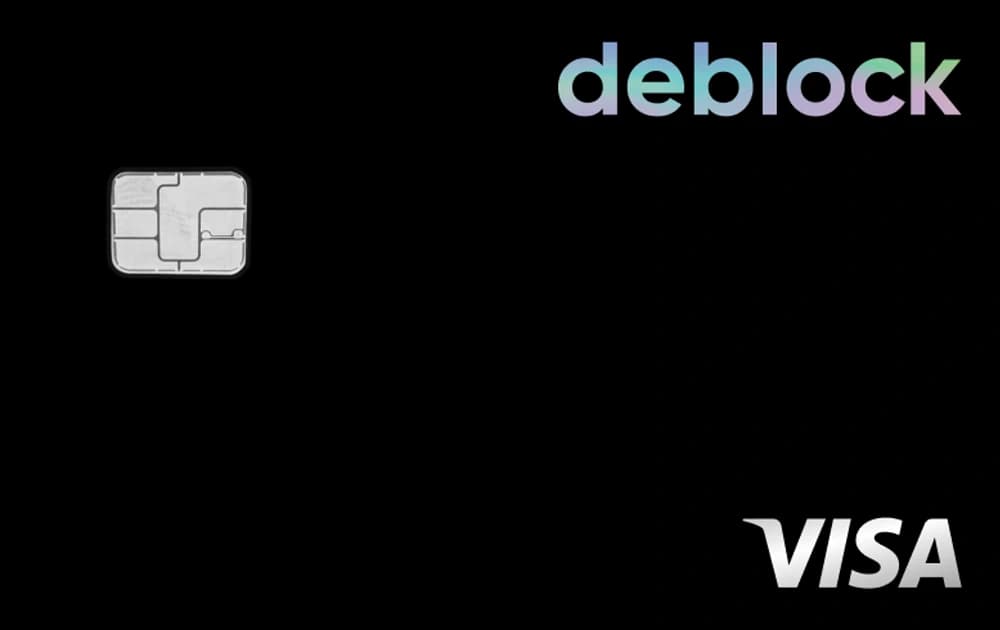
Visa card
Use it
Visa card
The Visa card, virtual card and mobile payments make it easier to see quickly whether Deblock really fits your daily routine.
Explore
Built-in crypto
Explore
Built-in crypto
Crypto can stay secondary. The useful part is having the same app ready if you later want to buy, sell or use a wallet.
Deblock FAQ
The most useful questions before installing
A compact summary of the questions that come up most often about Deblock, its plans, crypto and official documents.
Is Deblock safe?
+
The easiest path is to start from the public references: reviews, safety page and the documentation. documentation remains the easiest entry point for the official terms and PDFs.
How do I open a Deblock account?
+
The most direct guide is the open-account page, with the steps that matter to install the app and verify the offer. open an account remains the clearest way to follow the right setup path and keep 3 months of Premium.
Is Deblock Premium worth it?
+
It depends on your usage. The most useful thing is to compare Standard, Premium and Native before deciding whether the extra day-to-day benefits are worth it. the NFT page helps separate what belongs to NFT collections from what belongs to the standard plans.
What is the 4% option?
+
The dedicated 4% page explains the mechanics, the useful checkpoints and the risks to keep in mind. the 4% page puts the 4% option back into its proper context.
Can I buy crypto simply?
+
Yes, but the more reasonable path is to understand crypto simply first before moving on to buying. the crypto guide covers the useful basics before going further, and the crypto simulator helps visualise simple historical reference points.
Where can I find fees and official documents?
+
The documentation page gathers the useful PDFs, including pricing, 4% terms and complaint procedures. documentation remains the easiest entry point for the official terms and PDFs.
Take action
Install Deblock now and explore the app for free
Signup takes around 5 minutes. You can open the account, explore the app and calmly check whether Deblock fits your usage, with 3 months of Premium and free physical card delivery.